
Is That Apartment Really Work-Ready? An Internet and Workspace Checklist
A practical checklist for checking apartment internet, video calls, furniture and the space you need to work remotely.
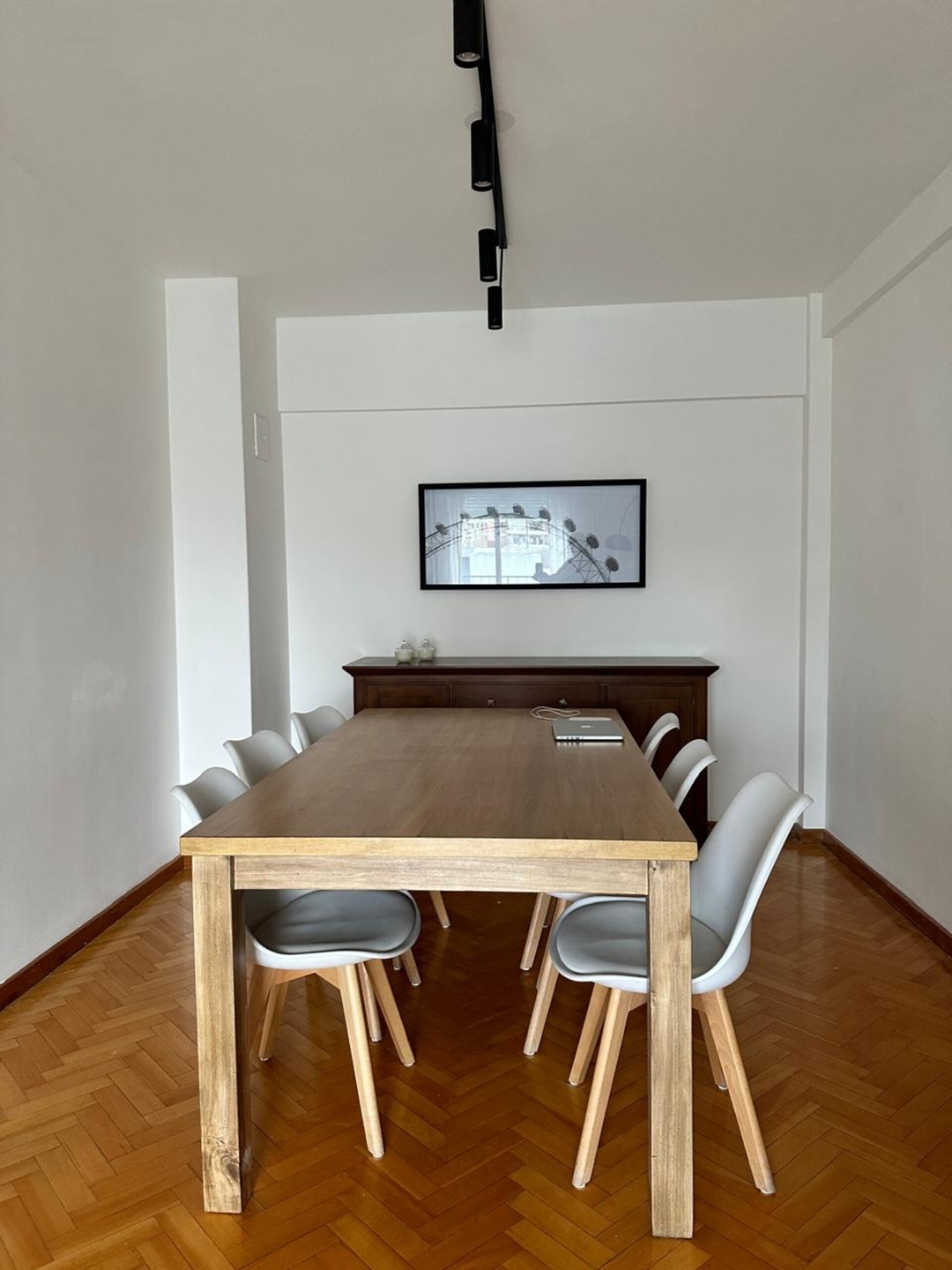
A work-ready apartment is one that supports the way you actually work. A Wi-Fi symbol and a desk in a photo are useful clues, but they do not tell you whether you can run your usual calls, use your equipment comfortably or concentrate during your working hours.
Before choosing a rental, describe a normal working day. Include the number of people working at the same time, your main applications, call schedule and any equipment you need. Then check the apartment against that use case rather than a broad “ideal for remote work” label.
Start with your applications, not a universal speed target
Look up the current connection requirements of the tools you rely on. A video call, screen sharing and a large file transfer place different demands on a connection. For example, Zoom publishes requirements by use and resolution; those figures are more useful than treating one speed as suitable for every worker.
Ask whether the internet connection is private to the apartment or shared, whether any usage conditions apply, and who to contact if it stops working. Clarify what is included in the rental rather than assuming that an internet service advertised in the building is available inside your unit.
If your employer has security or network requirements, check them separately. An apartment owner cannot determine whether a connection or device setup complies with your workplace policies.
Ask for evidence from the place where you will work
A speed measurement is more informative when you know how it was taken. Ask where the device was, whether it used Wi-Fi or a cable, and when the measurement was made. A result next to the router may not reflect the connection at the desk in another room.
Look at both download and upload information when comparing the result with your applications. If possible, ask for a short test call from the intended work area. Listen for interruptions and check whether ordinary screen sharing works during that test. This adds practical information without proving future reliability.
- Where is the router relative to the work area?
- Is there a usable wired connection if you need one?
- Can two occupants work or call at the same time?
- Were the measurements taken in the actual apartment?
- Who can help with a connection issue during your stay?
Avoid presenting a single test as a guarantee. Conditions can change, and your own device, software and work setup may affect the experience.
Look closely at the desk and chair
Ask for a photo that shows the entire work surface, chair and surrounding space. Check whether your laptop, keyboard and any other necessary equipment would fit. If dimensions matter, request measurements rather than judging scale from a wide-angle image.
Consider how long you will sit there. A small table may work for occasional email but feel different during a full workday. Ask whether the chair is adjustable and whether there is space to position yourself comfortably. Decide what you can adapt and what would make the apartment unsuitable for your routine.
Check nearby outlets and the lighting arrangement. If you need adapters or particular connections, confirm them before packing. Do not assume that an attractive desk accessory in a photograph is included in the rental.
Check calls, privacy and shared space
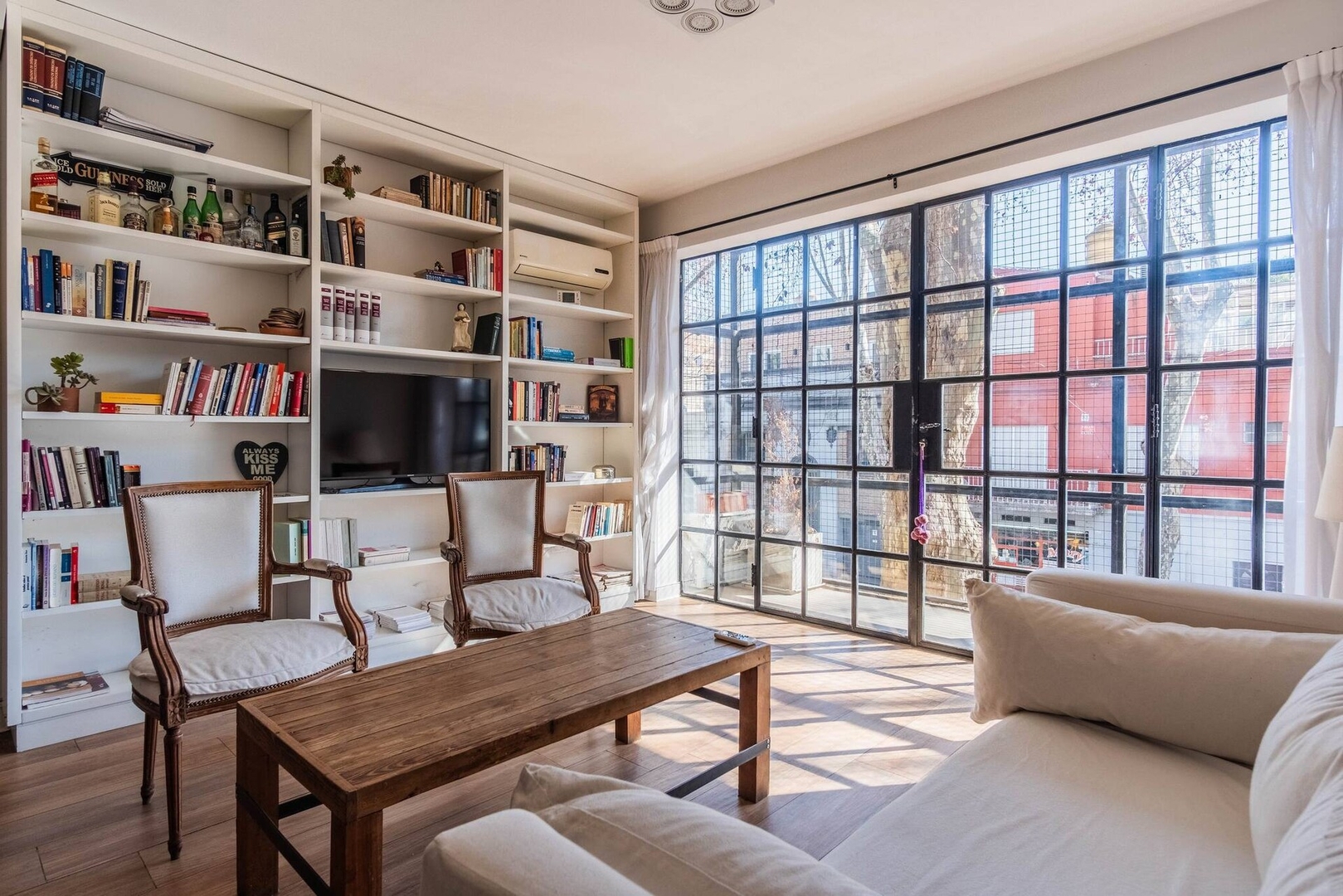
Imagine taking your most important recurring call in the apartment. What would the other person see and hear? Could another occupant use the kitchen or living room without entering your call? Is there a door you can close if privacy matters?
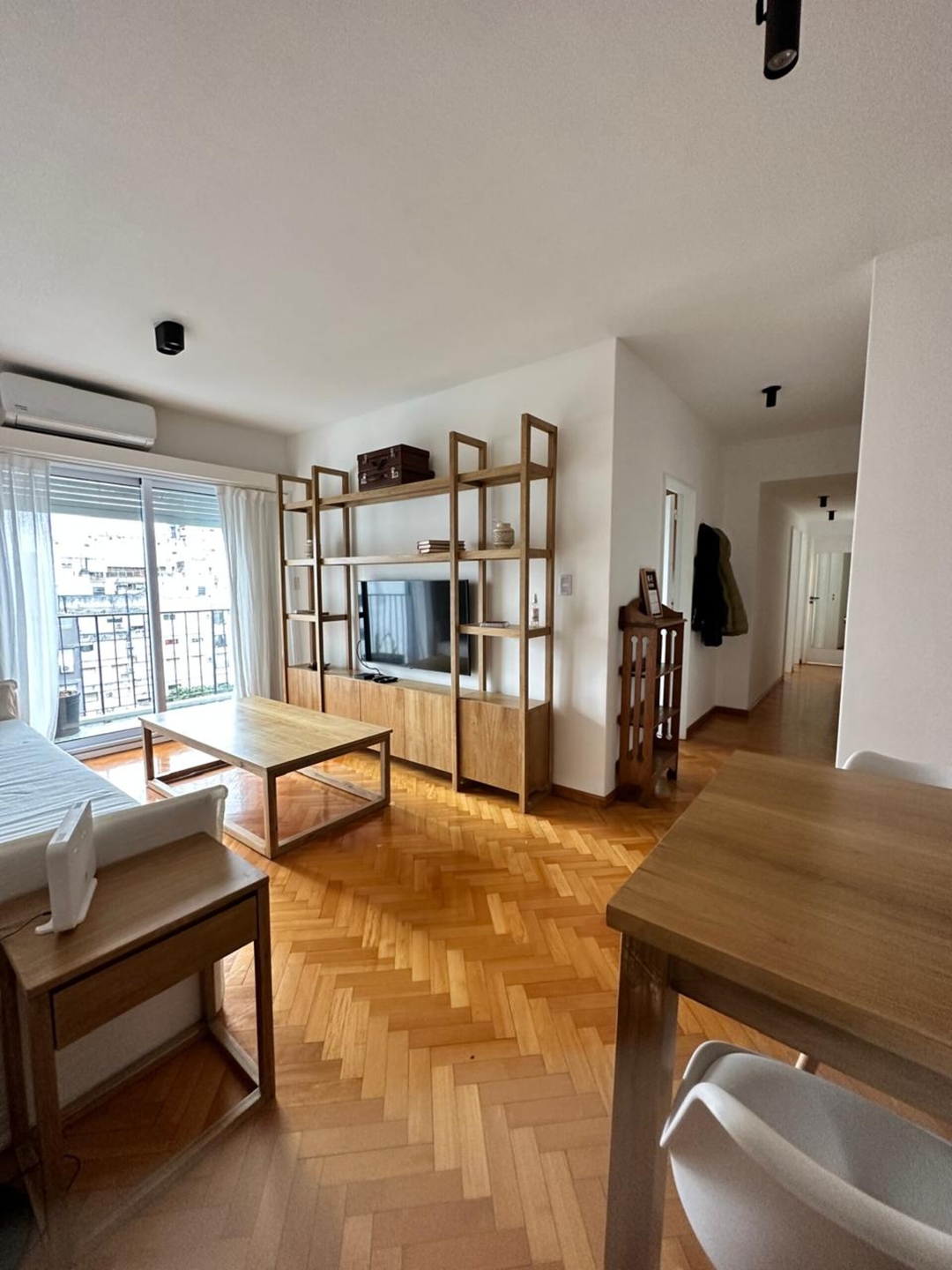
Ask about the room layout and any known source of noise that could affect your hours. A quiet impression from one short viewing does not describe every weekday or evening. If your calls take place early or late, also consider whether your routine would disturb someone sharing the apartment.
For two remote workers, list both schedules. Sharing one table may work when your hours differ and become impractical when both of you need calls at once. Resolve that tradeoff before assuming an extra chair solves it.
Plan a realistic fallback
Decide what you would do if the internet were interrupted or the apartment became temporarily unsuitable for a call. That might mean an alternative connection you have checked, a suitable workspace nearby, or rescheduling work that can wait. Confirm cost, access and hours before relying on an option.
A nearby café is not automatically a dependable workplace. You would still need to check its opening hours, seating, noise and whether working there suits the venue. Keep any fallback expense in your budget rather than treating it as a free extension of the apartment.
Make the decision with a short checklist
- Your main applications have requirements you can compare with the evidence.
- The proposed work area fits your equipment and sitting needs.
- Calls and other occupants can coexist during your actual hours.
- Internet inclusions and the support contact are clear.
- You know which limits you can accept and have a workable backup.
You may find an apartment that meets every requirement or one that needs a small adjustment. The important distinction is between an adjustment you can make and an essential condition you have not verified. Take that list into your search for monthly apartments in Buenos Aires, so the comparison starts with your working day rather than a label.
Find an apartment that fits your working routine
Explore apartments on BeTrusty
Compare options for your dates and ask about the conditions that matter to you.
Sources and further reading
- Zoom Web App system requirements
Zoom
Check the requirements for the features you use. These are application requirements, not a universal apartment certification.
- Network stability indicators
Zoom
Context for assessing connection quality during a call.
- Photo source: Gallo 218 apartment listing
BeTrusty
Source of the listing photographs used here. Confirm current property details and conditions separately.
- Photo source: Soho 62 apartment listing
BeTrusty
Source of the listing photographs used here. Confirm current property details and conditions separately.